Most school years I start, to the chagrin of my wife, a few weeks before school begins, by looking at the books and topics I want to cover and designing packs and activities. Out come Canva, Google Slides, standards, school requirements, a million and one interesting things I find online, and of course my wonderful, if sometimes frustrating, AI assistants — and away go my family and my holiday!
Then, in the classroom, I would have some sort of icebreaker, an all-about-me activity, or an off-the-shelf intro to DP that invariably worked quite well in establishing an atmosphere, expectations or routines, but which never really had any lasting value or impact…
This year I thought I would do it differently.
What if the power of AI could allow me to slow down and find out more about my students before I finalise my teaching and assessment plans? What if I spent the first lessons carefully getting to know these new students and involving them in co-planning?
I should mention that I am a subscriber to Matt Miller’s Ditch That Textbook newsletter, and one edition that landed in my inbox in August about this very subject made me realise this was something I needed to think about more carefully. Here’s a link to the teacher community discussing back-to-school approaches and activities.
Here’s what I decided to do:
- A quick video hello to parents, with a Google Form for them to tell me about their child. I want parents to know a little about me, while also giving them the chance to tell me anything useful or important.
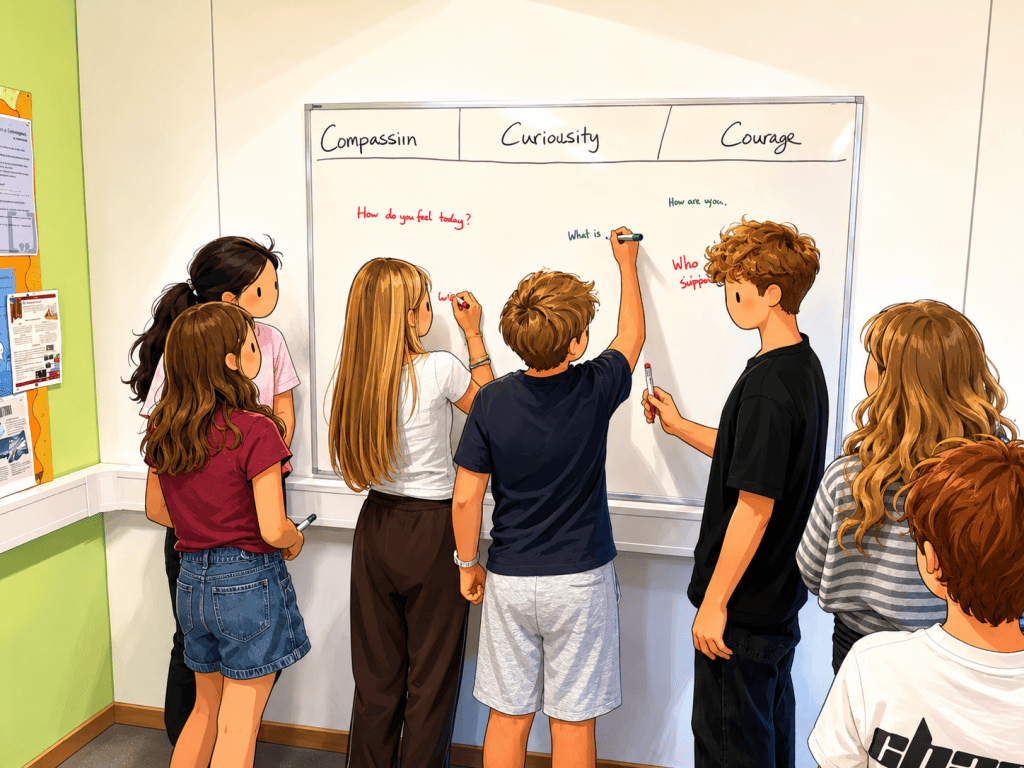
- When I meet students, a quick icebreaker where we brainstorm questions, write anonymous answers, screw up the papers and throw them into a bin (a bit of target practice!), and then open them one by one, guess who wrote each one, and ask more questions.
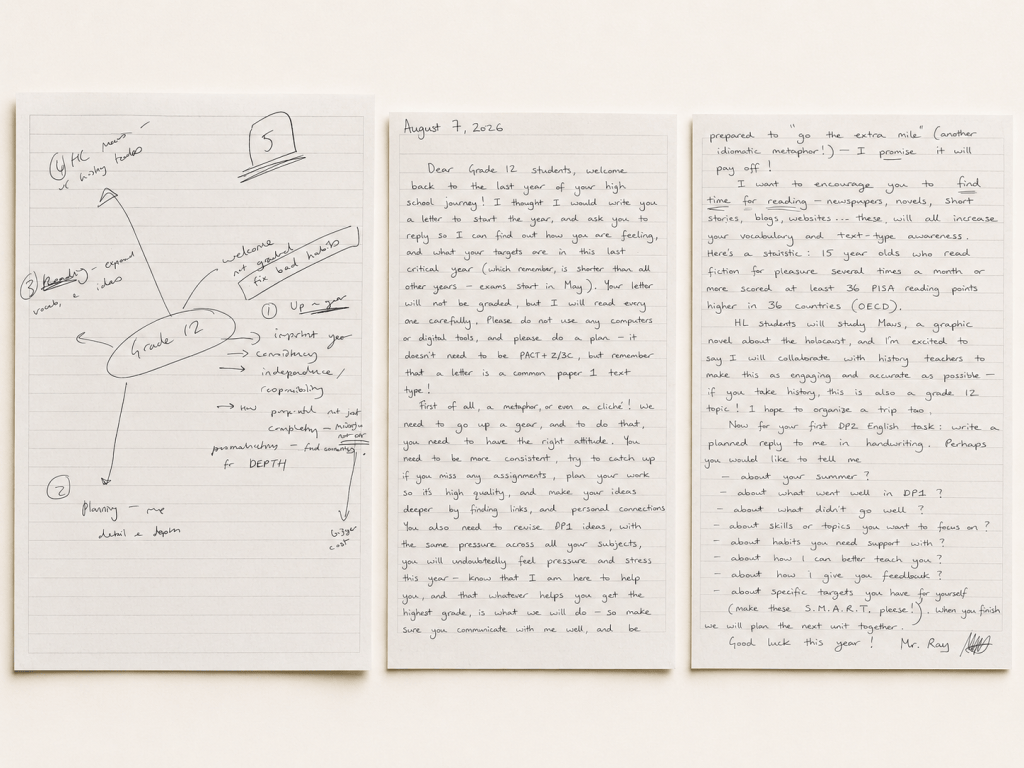
- A planned handwritten letter to my students introducing myself and the course, and asking them for a planned reply.
This plan was deliberately no-tech. I wanted students to communicate without worrying about log-ins or app features. But then, in a staff meeting, I realised I might need to use technology to help some students access the task.
Some students would struggle to write a handwritten letter for various reasons, and so I decided to allow Book Creator as an alternative. If you haven’t used this app, it’s basically a simple, student-friendly way to create text, images, audio and video material, with excellent text-to-speech features.
But then I will need to make sure students have computers, can log in, and know how to use the app — another set of challenges, especially tricky for Grade 6 students starting secondary school.
After this first exchange, students will complete a structured Google Form about their learning preferences, skills, homework, feedback and AI use. They’ll also research upcoming topics and generate questions and connections that can help me personalise aspects of the curriculum.
Will this approach be better than before? Will students give me ideas and information that are genuinely useful in constructing the curriculum?
I don’t know!
But I will definitely post again with an update later in the year. With any luck, I will have started the year in a way that gives me powerful insight into my students and helps me plan curricula that are truly personalised and engaging.
A note on AI: In the spirit of the post, I used ChatGPT (GPT-5.6 Sol) as an editing assistant — mainly to catch typos, question awkward wording and help me refine the text. The ideas and experiences, though, are very much mine.


Leave a comment