In my last post, I wrote about deliberately starting the year with conversation, low-tech activities and handwritten letters. Almost immediately, I ran into a problem: what feels simple and accessible to one student can be a significant barrier to another. A handwritten task may remove the distractions of technology, but for some students handwriting itself is the obstacle. That tension has made me think much more carefully about Universal Design for Learning — not as a way of making work easier, but as a way of removing unnecessary barriers while keeping the challenge.
One of the clearest examples for me has been the way I use student packs. In the past, I might have uploaded a PDF and assumed that was enough. Now I try to think about how students will actually interact with it. Using Kami, students can type directly onto the page, add comments, link to notes or slides, organise ideas with colour, and use tools such as text-to-speech. The content and challenge stay the same, but the route into the task becomes more flexible.
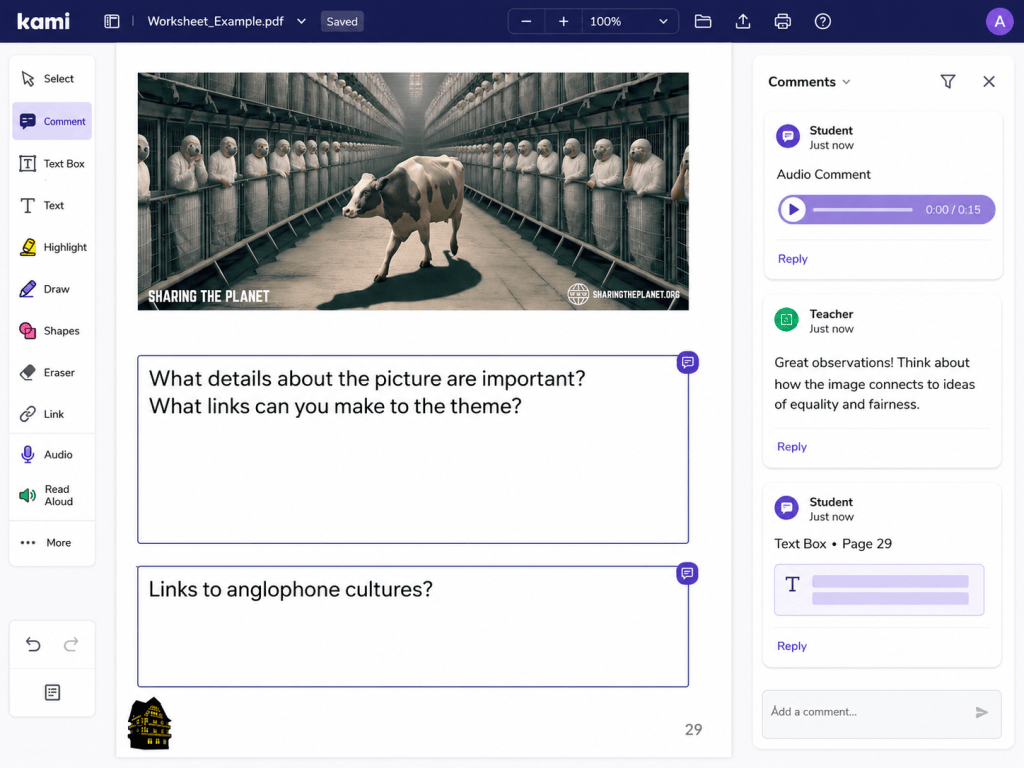
Kami works well when I want students to stay within a structured pack, but sometimes the structure itself becomes limiting. That is where Book Creator can be useful. Instead of requiring every student to respond in the same way, I can offer different ways to show understanding: typed text, images, audio, video, or a combination of these. For some students, that flexibility makes the difference between struggling with the format of the task and actually being able to focus on the learning.
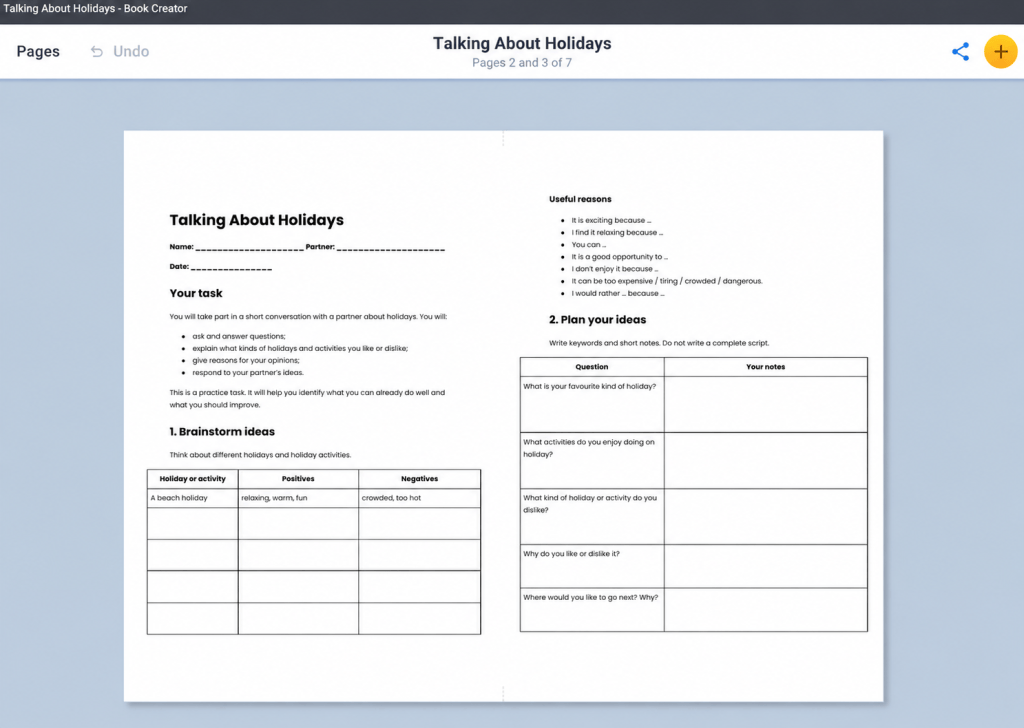
A practical example came up almost immediately. I had created a five-page speaking planner in Google Docs to be printed and completed by hand, but handwriting was not accessible for one student. Rather than asking him to work in a separate Google Doc and link it to Book Creator, I imported the planner directly as a PDF. The layout was preserved, and he can now add typed text boxes or use speech-to-text on the same pages. The task remains the same; only the unnecessary handwriting barrier has been removed. The digital version can also be offered to any student who finds it helpful.
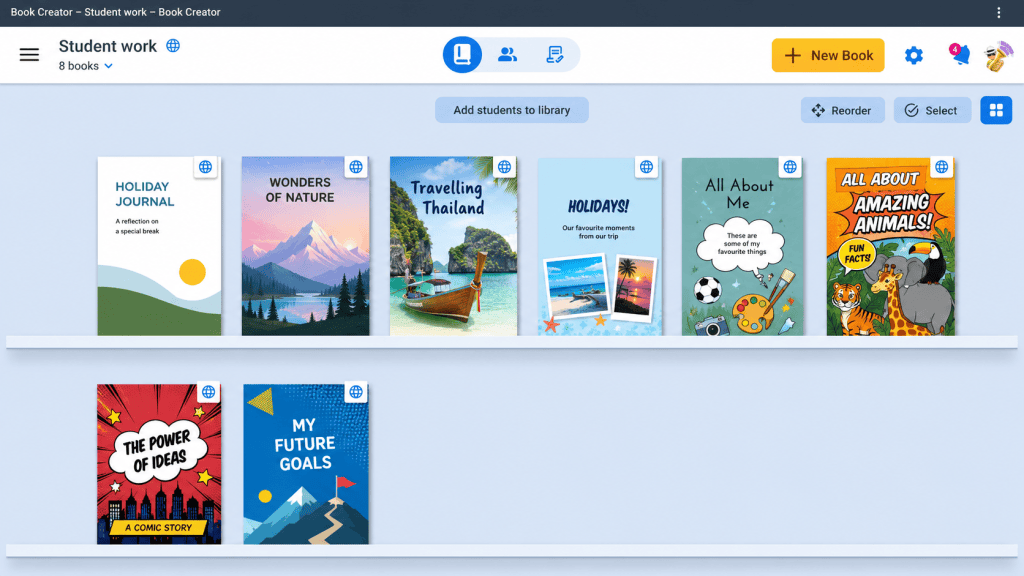
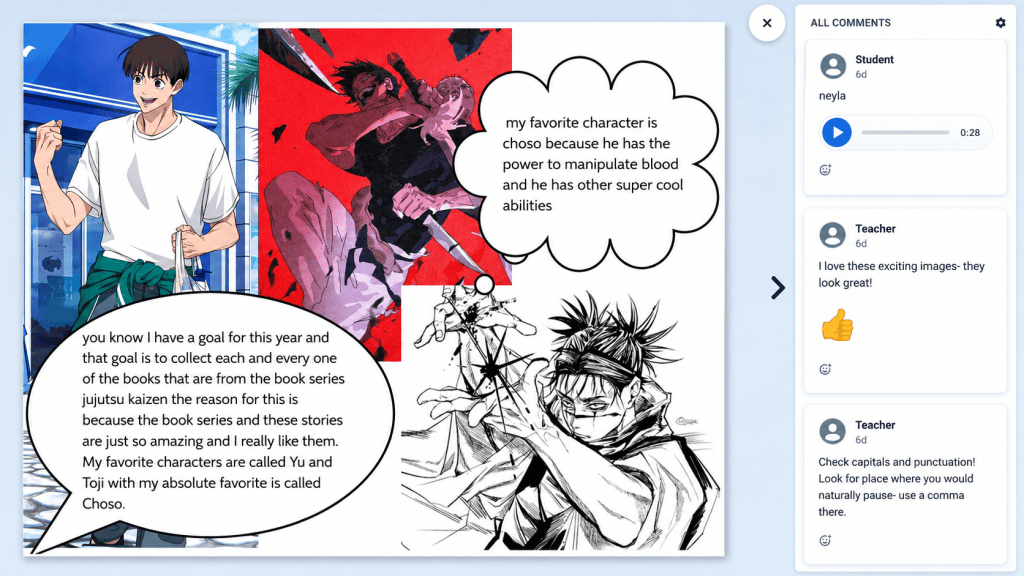
I also like the way Book Creator can function as a year-long learning space rather than a one-off task. Because student work sits within a shared library, I can always access it, and students can keep adding to the same resource over time. That makes it useful for collecting drafts, reflections, projects and evidence of progress in one place. The feedback options are also simple and visually appealing, so I can respond directly to student work without creating yet another document, folder or platform for them to manage.
Another part of access is making instructions available in more than one way. For a recent Book Creator assignment, I made a short Loom screen recording showing students what the task involved and how to use the main features of the app. This has been useful not only in class, but also for students who are absent, ill, or working from home. They can pause, replay and revisit the instructions at their own pace, and parents can see exactly what the assignment involves rather than relying on a second-hand explanation.
In some ways, this is one of the more useful legacies of pandemic teaching. We became much better at thinking about how students could access learning without the teacher standing next to them. A short video can remove a surprisingly large number of barriers.
Of course, every silver lining has a cloud.
The same technology that removes one barrier can easily create another. Forgotten passwords, flat batteries, unfamiliar apps, too many platforms, or simply not knowing where to click can all get in the way. A tool might be brilliant in theory, but if students cannot access it confidently and independently, it has simply replaced one problem with another.
That is probably the biggest thing UDL has made me think about. It is not really about using more technology, or offering endless choices. It is about identifying the barriers that are getting in the way of the actual learning, and deciding whether they really need to be there.
Sometimes the best solution will be a digital pack. Sometimes it will be Book Creator, audio, video or a screen recording. Sometimes it will still be pen and paper.
The important thing is not the tool. It is whether the tool helps more students access the learning, participate meaningfully, and show what they can do — without lowering the challenge.
AI note: I used ChatGPT (GPT-5.6 Sol) to help refine the wording and structure of this post, and to create/anonymise some of the supporting images. The ideas, classroom examples and reflections are my own.


Leave a comment